
Your Complete Guide to Buying and Setting Up a 3D Printer at Home
Have you been considering a three-dimensional printer or the household tools, models, and decor you can create with one? This guide covers everything you need to know about purchasing and configuring your own 3D printer, along with essential tips for selecting filaments and patterns to kickstart your printing journey.
How to Select the Ideal 3D Printer
To begin with 3D printing, the first essential item is the printer itself. For those seeking a lightweight option in both size and price, the Bambu Lab A1 and its smaller counterpart, the Bambu Lab A1 mini, are excellent choices for beginners. Despite their compact appearance, these models deliver powerful performance and are suitable for most projects.
Additionally, there is a range of larger and more robust printers available. These devices can produce bigger designs within heat-protected chambers, resulting in smoother prints. The Bambu Lab H2 Series stands out as a must-have for personal manufacturing, offering multi-functionality, large capacity, and precision. Another reliable option is the Bambu Lab P2S, an upgraded version of the popular P1S printer that provides top-quality outputs.

If you find it challenging to decide between these models, Bambu Lab offers a convenient comparison tool. This feature allows you to view specifications side by side, making it easier to identify differences without switching between multiple tabs. Once you have made your selection, ensure you allocate a suitable space for your new printer. Choose a sturdy surface, preferably in a well-ventilated area, to optimize performance and safety.
Setting Up Your 3D Printer Correctly
Your printer should include all necessary materials and instructions for setup. However, if you require additional assistance, visit the Support tab on the Bambu Lab website. There, you will find a wiki and user forum where you can learn more about your device and filaments or get answers to specific questions.
To maintain your printer's longevity, consider acquiring extra materials. Check the Accessories tab on Bambu Lab for electronics that connect to the printer, spare parts for repairs, and cleaning items to address issues like clogged nozzles or spaghetti failures. You might also explore software for PC or phone connectivity, enabling easy viewing and editing of designs before printing.
Choosing the Right Filament for Your Projects
Selecting filaments is akin to choosing paint—there is an overwhelming array of colors, and using the wrong type for a project can lead to poor results or frustrate experts. Filaments come in various types, including those resistant to water, heat, or ultraviolet light, as well as options that are extra strong, flexible, or designed for outdoor use. Additionally, there are multi-color and transparent filaments available.
The best filament for you depends on your intended projects. Consider what items you plan to create, from sturdy garage storage to colorful desk toys, and determine the necessary traits. Bambu Lab organizes its extensive filament range by application and key properties, providing charts for easy comparison. For beginners, PLA is an excellent starting point due to its wide color selection, fun varieties like glow-in-the-dark options, and budget-friendly pricing.
Once you know what you need, platforms like Amazon can help you find discounts and a broader product variety. While there are many vibrant colors to choose from, it is advisable to start with simple options. A few basic colors that complement each other can keep prints looking fresh and cohesive, perhaps with one or two statement pieces. Ensure you select colors you will use repeatedly to avoid accumulating unused reels.
Picking Patterns and Starting Your Prints
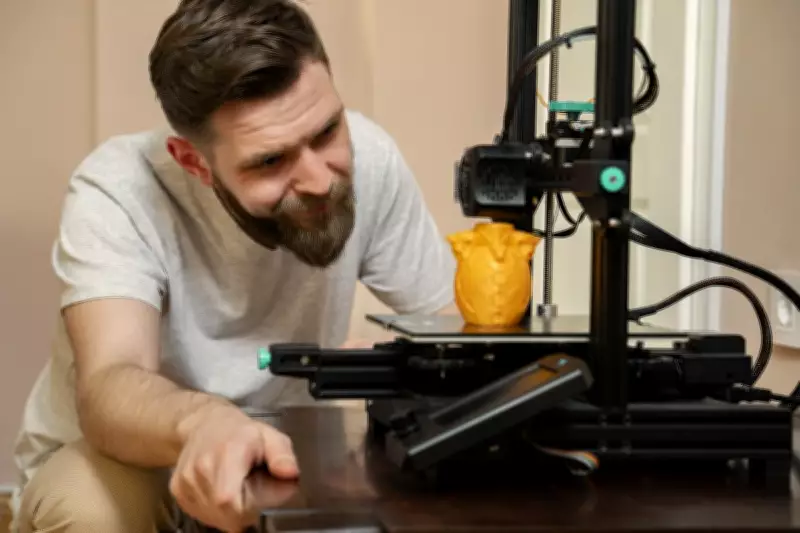
With your printer set up and filament ready, it is time to begin printing. Before diving into complex, multi-hour projects, verify that everything is functioning correctly. The best method is to use a benchmark print—a small but detailed model that tests your printer's capabilities and highlights any issues.

3DBenchy, the iconic little tugboat, is a classic 3D model designed to reveal common problems such as surface finish imperfections, model inaccuracies, and warping. If your print does not match the expected results, it may indicate setup errors. Once you successfully complete a 3DBenchy, you are ready to explore further.
Browse Bambu Lab's guides for recommended designs, including everyday utility items, DIY and model kits, and educational projects for children. Another valuable resource is MakerWorld, which offers countless free community-created prints to inspire your next project.